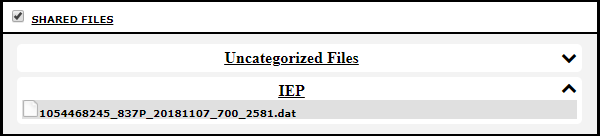
Setting a file's category
- From the main Administration Menu, click “Files”. Alternatively, you can select “Admin files” from the “Go to…” menu, located in the top right.
- On the “Files” page, find the file you would like to categorize and click the “Sharing” button.
- Set the file's category with the “File category” drop down.
- Click “Save”.
The file will now be in the specified category on any page it should appear on.
- The 'File category' drop down will not contain any options by default. The number for this drop down is 167.