How do I "Exit" a student?
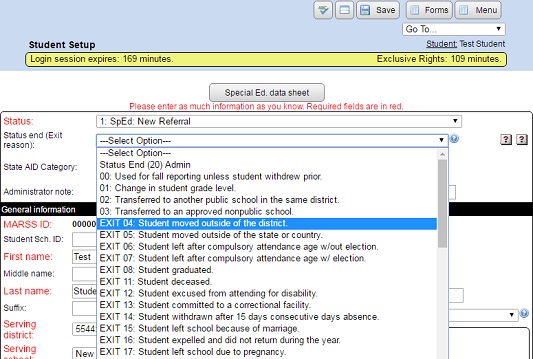
You must choose a “GenEd” status code from the “Status” drop down list, OR an “EXIT” status code from the “Status End (Exit Reason)” drop down list to deactivate the student. Once exited, the student will then be removed from your list of active students, but the student WILL be available on the GenEd tab or if the “Inactive” check box is checked.
- From the “Main Menu” click on “Students”.
- Click on the student's name to go the student's menu, or their ID to go directly to their setup.
- On the “Form Menu” click on the “Setup” button.
- Select a new “Status” and/or “Status End (Exit Reason)”.
- Update any other changes.
- Click the “Save” button to save your changes.