Table of Contents
How do I print reports?
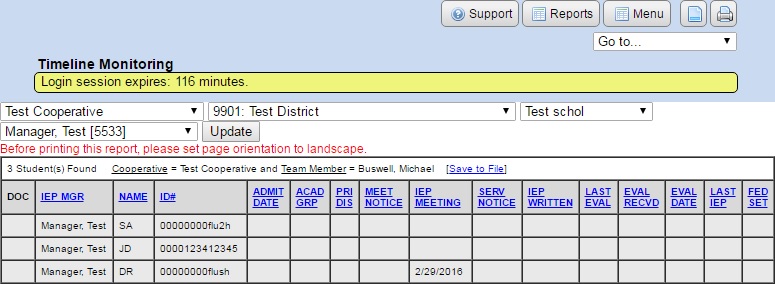
Most of the administrative reports that SpEd Forms offers can be printed to any printer.
- Make sure you have performed the browser setup for your computer. The browser setup ensures proper page alignment and handles headers and footers. There is a link to your browser's setup on the login page.
- If the “PRINT” button does not appear, printing is not available.
Printing Reports
- Search for the records you want to print.
- Click the “PRINT” button in the SpEd Forms navigation bar (never use the browser's “print” feature).
Printing from a PC
When using Windows, a print setup window will automatically popup after clicking on the “PRINT” button. This allows you to change several print settings including the target printer. Make any necessary changes, then click “Print”. Keyboard shortcut CTRL+P
Printing from a MAC
While using the MAC, a “Print Preview” window will appear after clicking on the “PRINT” button. After this “Print Preview” page has appeared, you can then use the “print” features of the browser to follow through with printing the report. Then a print setup window will appear where you can change the print settings. Make necessary changes, then click “Print”. Keyboard shortcut Command(⌘)+P