How do I request access to a student?
The Find/Request page will only search for students on your server.
- From the “Main Menu” click on “Students”.
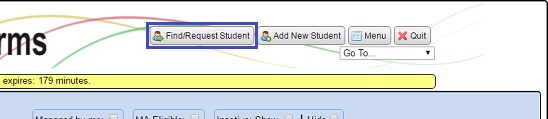
- Click the “Find/Request Student” button.
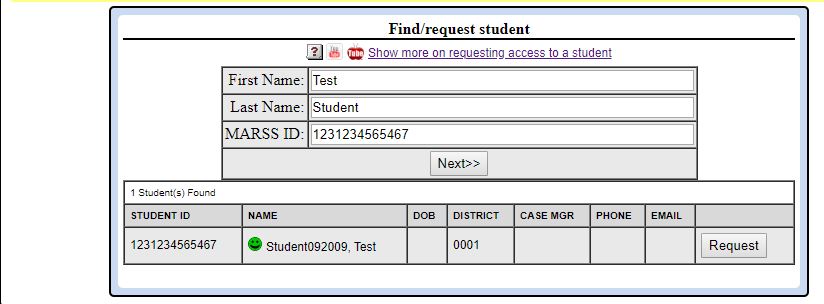
- Fill in the first and last name, or MARSS ID of the child you want access to and click on the “Next»” button.
- A list of students will appear that match the name that you entered. Find the student you want access to, then click on the “Request” button for that student.
- A confirmation will then appear, confirming that a message has been sent to the current case manager.