How do I change things in my profile?
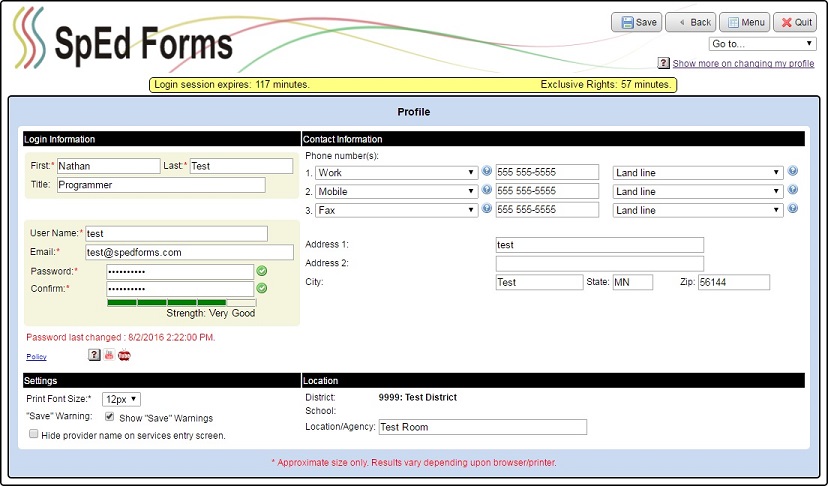
Your user profile is initially set-up by the SpEd Forms administrator for your district. You can change some of this profile information or add information that the administrator did not enter.
To Navigate to your user profile:
- Navigate to the “Main Menu”.
- Click on the “Your setup” button.
- On the “Your Setup” menu, click on “Profile”.
- Make the necessary changes and/or type in any new information.
- Click the “Save” button when you are finished making changes.